Invite family before kickoff
Open the match’s sharing controls and create a viewer invitation. Send it to the people you want to follow the game. They must sign in to a SEV7N account and accept the invitation; no app installation is required when using the web version.
- Choose viewer access for someone who only wants to follow. Editor access also allows recording.
- Check the expiry shown when creating the invitation. Create a new one if it expires before the recipient joins.
- Check access before kickoff so your relatives can open the correct match.
Viewers follow recorded scores and the timeline, not video. Updates depend on someone recording events and an internet connection; they are not guaranteed to arrive instantly.
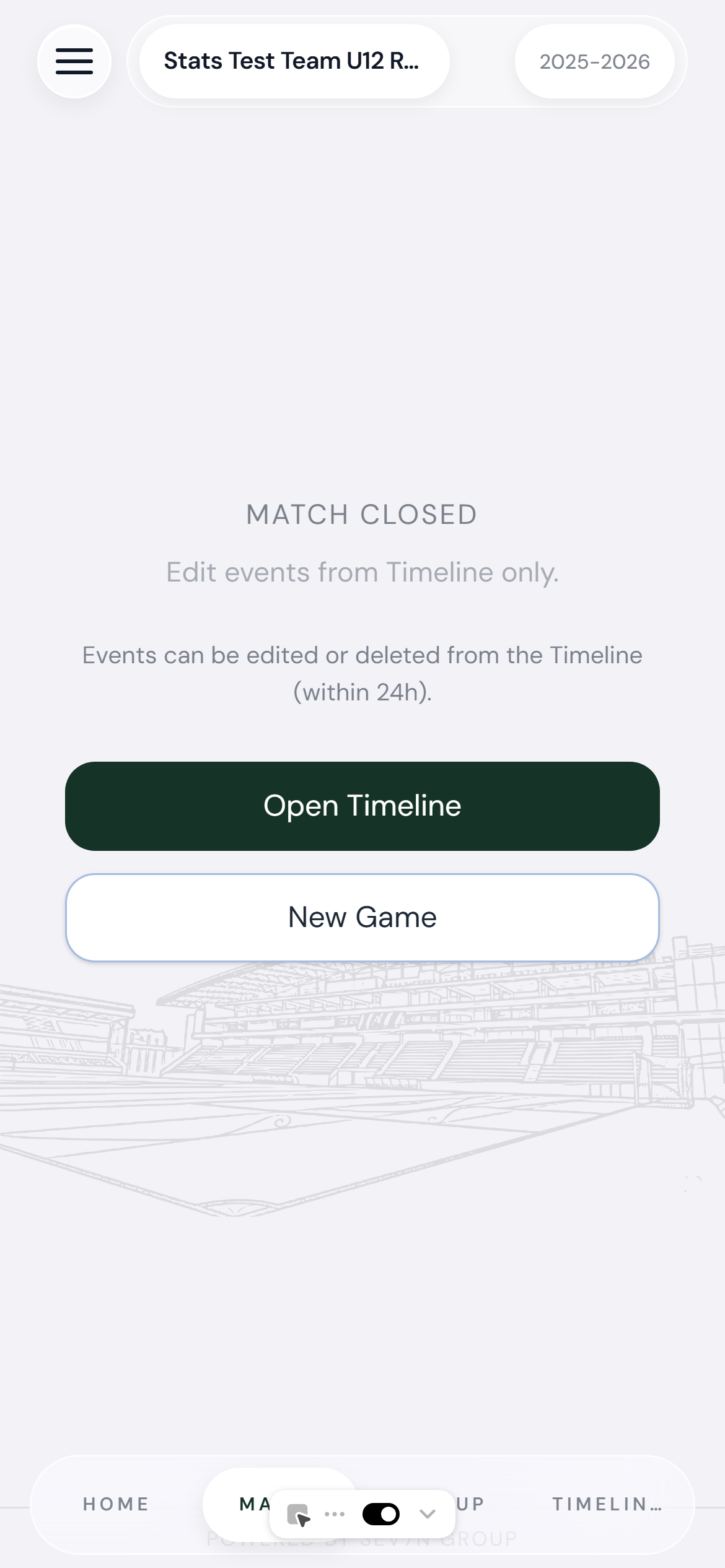
Match score and recorded events available to invited viewers · Example match data
Record the moments they need
Start with goals for both teams to keep the score useful. Set the starters and record substitutions if you also want meaningful minutes-played statistics. Add cards, assists or other events when you can record them accurately.
If you miss an action, check with another observer and correct the timeline rather than guessing a scorer or minute. For a written recap, use the free football match report template.
Share the recording work
The owner can invite another parent as an editor. Agree on responsibilities—for example, one person records goals and another handles substitutions—and check for duplicates afterwards. The app shows available sharing options and limits before you send an invitation.
Choose carefully who receives access, especially when sharing children’s names or photos. You can follow the match without adding player photos.
Review your child’s season
Open Stats for the relevant team and review appearances, minutes, goals and assists. Compare the same set of matches and check whether any games are missing from your record.
Stats describe the matches and events you record, not an independently verified performance assessment. Missed substitutions or incorrect timestamps can change playing-time totals. Use the timeline to check the record before drawing conclusions. Numbers give context; they do not prove ability or fair selection.
Archiving frees an active game slot and preserves the match record in History, but excludes that match from the Stats screen and season exports. Unarchive it to include it again, subject to your available slots and access. Free includes 3 active game slots and archive storage for up to 5 games; see pricing for current plans.
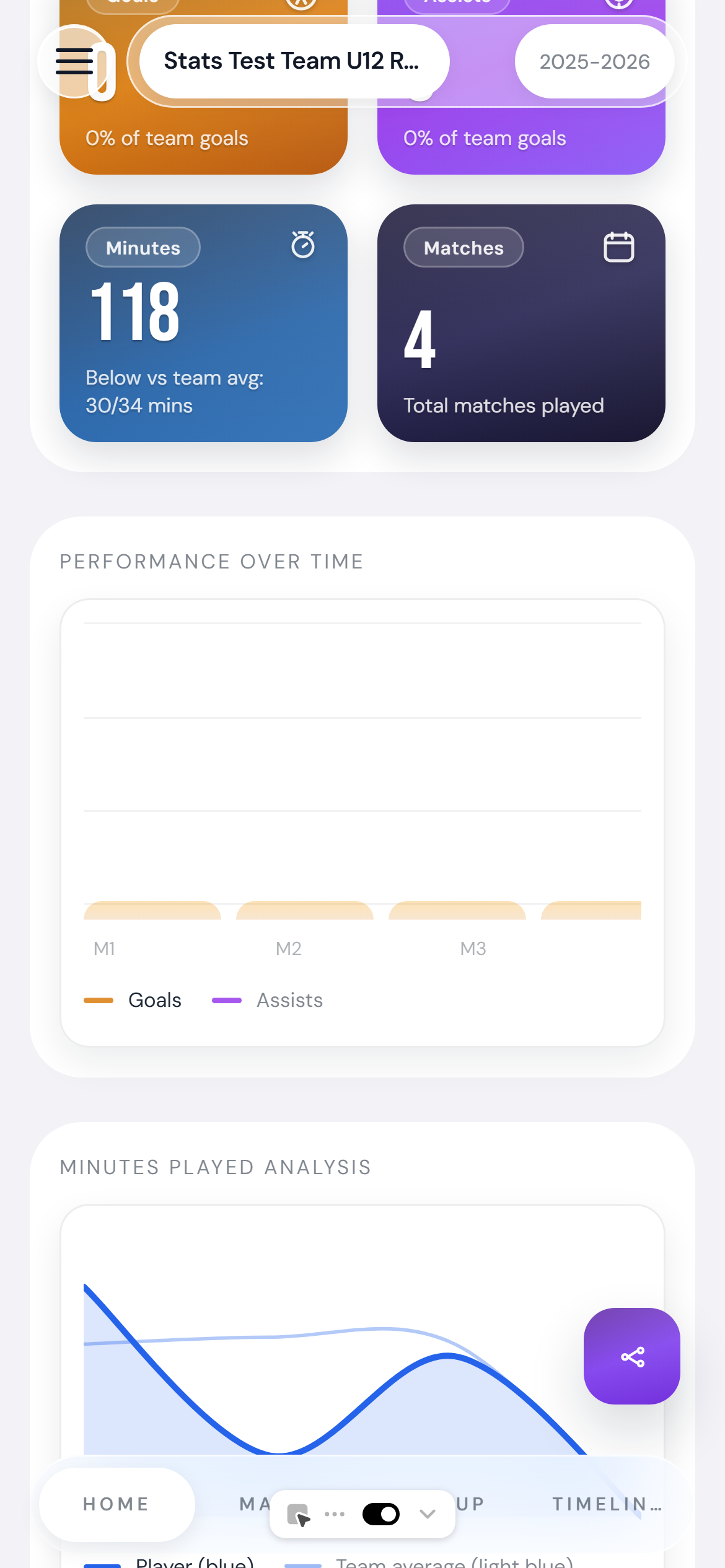
Team leaderboard for the selected match history · Example match data
Practical match-day resources
For a match that is not listed in your usual score app, learn how to share live grassroots football scores with family. To check player minutes, use our playing-time method and free tracking sheet. Finish with a free football match report template for your written recap.